How to get a Wise Card in New Zealand: Step-by-Step Guide 2026
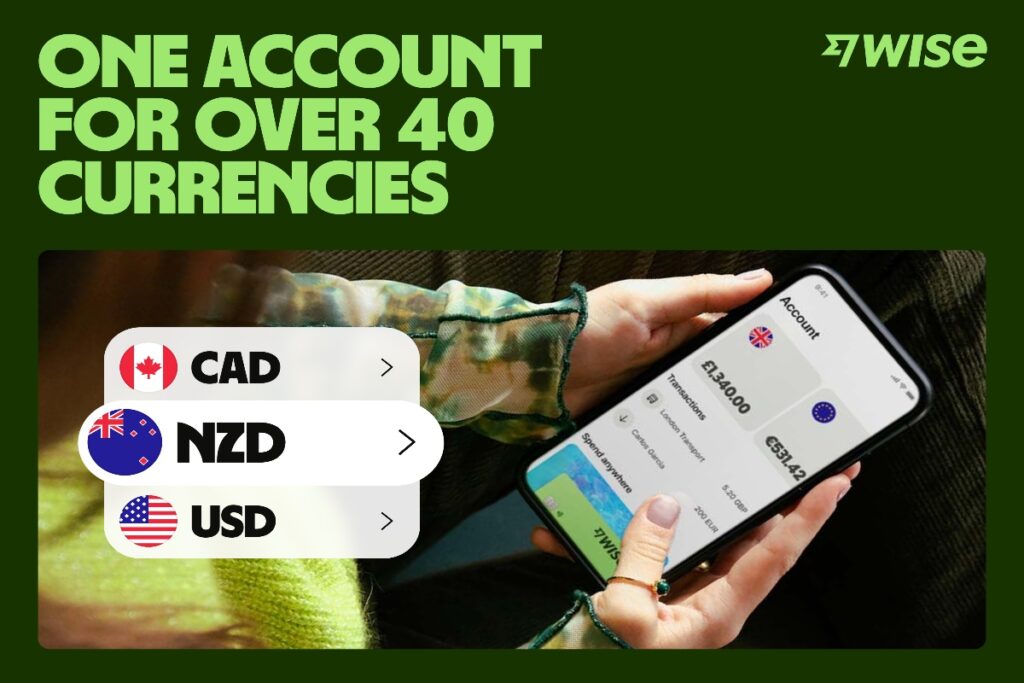
A Wise international debit card is linked to a multi-currency Wise account which allows you to hold, exchange and send 40+ currencies.
You can use your Wise card to make convenient cash withdrawals and to pay online or in person, using the mid-market exchange rate, plus no foreign transaction fee to worry about whenever you spend any currency you hold.
That makes the Wise card a great way to manage your foreign currency spending, with low, transparent fees and fair exchange rates every time.
How to get a Wise card in NZ 🇳🇿: Step by step
To order a Wise international debit card you’ll first need to register a Wise account. This is free for personal customers and can be done entirely online or in the Wise app.
Once you have your Wise account you can order a debit card, and get instant access to your card details to use when shopping online or for mobile payments using Apple Pay, Google Pay or similar.
Here’s how to open a Wise account and get a Wise card step by step:
- Visit the Wise website or app and click on Create account
- Enter your email address
- Confirm the type of account you want to open – personal or business
- Select your main country of residence
- Verify your mobile number with a code
- Create your password for security
Once your Wise account is set up, you’ll be able to tap the Card tab and follow the prompts to order your Wise card 💳 . You’ll need to pay a one time 14 NZD fee to order your card, confirm your personal details and upload some documents for security.
Can you get a Wise card in New Zealand?
✅ Yes. The Wise card is available in New Zealand, and can also be ordered by Wise customers in a broad selection of other countries and regions, including the US, Canada, Brazil, Australia and most EEA countries.
Is it free to get a Wise card in New Zealand?
There’s a one time fee of 14 NZD to order a Wise card in New Zealand, with no annual or monthly fees to worry about after that.
How to activate Wise card in NZ 🇳🇿
If you’re ordering your Wise card from New Zealand there’s no separate activation step – but to activate contactless payments you will need to make a Chip and PIN payment or withdrawal first. You can also use your card at an ATM to make a balance enquiry to get your card contactless feature up and running.
How do I activate my Wise card outside New Zealand?
The activation process is the same as when you’re at home. Simply make a Chip and PIN payment or withdrawal to activate contactless payments, or use your card at an ATM to make a balance enquiry.
Ordering a card while already abroad
You can easily order your Wise card online or in the Wise app for delivery to your registered home address. You’ll be able to access your card details as soon as you’ve ordered the Wise card, and your physical card will arrive a couple of weeks later.
⏳How old do you have to be to get a Wise card?
You need to be 18 years old to apply for a standard Wise account and order your own debit card.
However, if you are between the ages of 6 and 17, you can get a Wise Young Explorer card for kids if a parent or legal guardian orders one for you linked directly to their main account.
How much does the Wise card cost? 💰
There’s no annual or monthly fee for the Wise card – just a one time 14 NZD charge to order your physical card. Once you’ve got your card you can spend any currency you hold with no foreign transaction fee.
If you’re spending in a foreign currency and you don’t hold the balance you need, the card’s smart autoconvert technology can change your money to the currency required for a low fee from 0.25%.
🏧 Withdrawing up to 400 NZD per month across a maximum of two withdrawals is free, followed by a 2.69% fee on any amount over that threshold.
If you need to view or adjust your daily or monthly caps for security, you can learn how to change your Wise card spending limits using your profile settings.
Is it worth getting a Wise card?
The Wise card can be a smart option for managing international spending while avoiding bank foreign transaction fees. There are no ongoing account maintenance fees or a minimum account balance to worry about, allowing you to use it whenever you need to.
Here are some of the benefits you’ll get with a Wise card:
- No annual or ongoing fees to pay 💰
- Spend in 150+ countries, with no foreign transaction fee 🌍
- Free ATM withdrawals to 400 NZD/month, with low fees after that 🏧
- Manage your card from the Wise app to freeze, unfreeze or cancel 🔐
⏰ How long does it take to get a Wise card in NZ? 🇳🇿
As soon as you order your physical Wise card online or in the Wise app you’ll get your card details so you can start to spend instantly.
You can use your Wise card details for online shopping and to add to a mobile wallet like Apple Pay, and your physical Wise card will arrive in the mail, in 7 – 10 working days.

How does the Wise card work in New Zealand?
You can hold 40+ currencies in your Wise account, and use your card in over 150 to spend and make withdrawals. There’s no fee to spend if you hold the currency balance you need – and if you don’t have the currency you need in your account, the Wise card will automatically convert the amount for you.
The conversion will be managed from whichever available currency account has the cheapest conversion fee, so there’s no need to worry about converting money before travelling as you’ll know you’ll get the lowest fee every time you spend.
💡 Writer’s Tip: When paying at an overseas terminal or ATM, always choose to be billed in the local currency rather than New Zealand Dollars. Choosing NZD triggers Dynamic Currency Conversion (DCC), letting the foreign merchant apply an inflated exchange rate markup. Selecting the local currency ensures Wise handles the conversion using the mid-market rate.
❌ How to replace or cancel your Wise card in New Zealand
If you need to replace your card at any time, you can do so from the Wise app or desktop site. Here’s how to replace your card in the Wise app:
- Tap the Card tab and then Replace card
- Choose the reason you’re replacing your card, from the options on screen
- Tap Replacement card
If you’re looking to cancel your Wise card entirely you can do so by getting in touch with Wise support using the chat function in the app.
Is your current card nearing the end of its valid shelf life? Read what to do if your Wise card is about to expire to ensure your global spending is never interrupted.
Is the Wise card safe to use?
The Wise card is safe to use and can easily be managed, frozen or blocked from the Wise app if you ever need to do so. 🛡️ You’ll get instant transaction notifications in your Wise app whenever your card is used, so it’s easy to keep on top of managing your money no matter where you are.
How to get a Wise virtual card
You can order a Wise virtual card as soon as you’ve ordered your physical Wise card, which means you can get started spending online and in person using a mobile wallet like Apple Pay.
Here’s how to get a Wise virtual card in New Zealand:
- Visit the Wise website or app and log in
- Tap Card and choose Get a digital card
- You’ll see your Wise virtual card details for instant use
📂 Useful Sources
Information last accessed 25th of May, 2026.
- Wise New Zealand Official Site: The local homepage for setting up personal and business accounts, sending and receiving money and checking exchange rates.
- How do I activate my Wise card? Official Wise page for completing registration steps, setting up secure PIN numbers, and unlocking contactless payments.
- Wise Global Safety and Security Platform: An in-depth breakdown of safeguarding policies, data encryption standards, and digital account protection protocols.